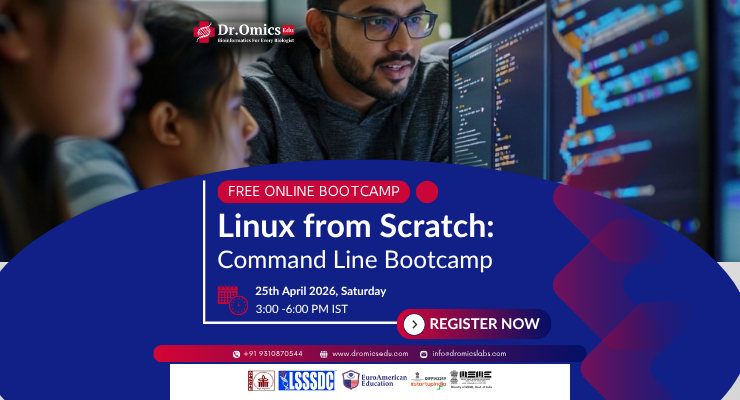
Linux from Scratch: Command Line Bootcamp-2
Master Linux Commands, Shell Scripting & Research Computing Workflows Essential Bioinformatics and Computational Biology Skills for Modern Life Science Research
- 5.0/5
- English
- Updated Aug 2026
₹399
$10
Indian learners pay in INR; international learners are billed in USD.
Paying from outside India? Use this link to complete your payment.
About this course
The Linux from Scratch: Command Line Bootcamp is designed to help life science students, researchers, and bioinformatics professionals build confidence in Linux-based environments used across academia and industry. Participants will learn Linux fundamentals, file system navigation, command-line operations, shell scripting, permissions management, and remote server access. The course focuses on practical applications of Linux in bioinformatics, genomics, transcriptomics, NGS data analysis, and computational biology. Through hands-on exercises, learners will automate repetitive tasks, manage large biological datasets, and execute bioinformatics tools efficiently. By the end of the training, participants will possess industry-relevant Linux skills essential for research laboratories, pharmaceutical companies, biotechnology organizations, and data-driven life science careers.
What you will learn
Skills you will gain
Certification
Available
Issued by Dr. Omics EduCourse curriculum
1 moduleWhat you need to start
- Basic Biology Knowledge
- Familiarity with Computers
- Interest in Bioinformatics
- No Linux Experience Required
- No Programming Background Required
Who this course is for
- Life Science Students
- Biotechnology Students
- Bioinformatics Students
- Genomics Researchers
- Computational Biology Learners
- NGS Analysts
- M.Sc. Students
- Ph.D. Scholars
- Academic Researchers
- Healthcare Data Scientists
