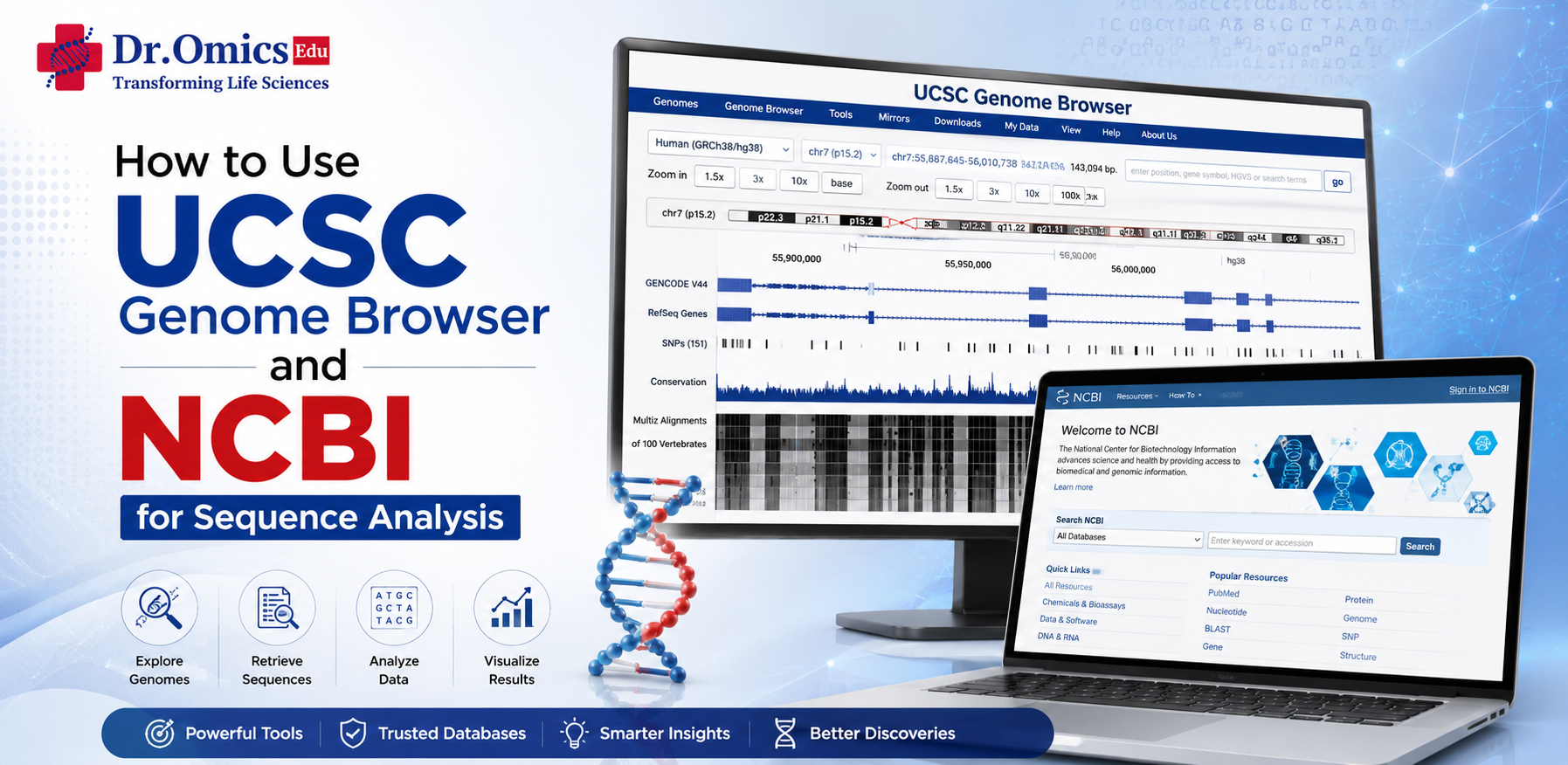
How to Use UCSC Genome Browser and NCBI for Sequence Analysis
Dr. Omics Edu Team ·
Modern sequence analysis depends on reliable genomic databases and visualization platforms. Two of the most widely used resources are the UCSC Genome Browser and the NCBI database ecosystem. Together, they enable researchers and students to explore genomic regions, retrieve sequences, investigate genes and variants, and perform sequence similarity analysis. This UCSC Genome Browser tutorial and NCBI database tutorial provides a practical starting point for beginners.
Exploring Genomic Regions with UCSC Genome Browser
The UCSC Genome Browser is an interactive platform for visualizing genome assemblies and their associated biological annotations. Researchers can select an organism, genome assembly, chromosome, and genomic coordinates to investigate a specific region.
For example, searching for a gene such as BRCA1 allows users to examine its genomic location along with gene models, transcripts, regulatory elements, conservation scores, variants, and other annotation tracks. Different tracks can be activated or hidden depending on the analysis objective.
A key advantage of UCSC is its ability to connect genomic coordinates with biological information. Users can zoom into specific regions, inspect exon–intron structures, compare conserved regions across species, and retrieve genomic sequences. The genome browser for beginners is particularly useful for understanding how genes are organized within chromosomes.
UCSC can also be used to obtain FASTA sequences from selected genomic regions. These sequences can subsequently be analyzed using external or NCBI-based sequence analysis tools.
Using NCBI for Sequence Analysis
The National Center for Biotechnology Information (NCBI) provides a comprehensive collection of biological databases and analytical resources. Important resources include Gene, Nucleotide, Protein, PubMed, ClinVar, dbSNP, RefSeq, and BLAST.
A typical NCBI workflow begins by searching for a gene or protein of interest. The NCBI Gene database provides information such as gene nomenclature, genomic location, transcripts, associated publications, and links to related databases.
The NCBI Nucleotide and Protein databases allow users to retrieve DNA, RNA, and protein sequences in formats such as FASTA. These sequences can then be used for downstream comparative or functional analysis.
Performing Similarity Searches with BLAST
One of the most important sequence analysis tools available through NCBI is BLAST (Basic Local Alignment Search Tool). BLAST compares a query DNA or protein sequence against sequences stored in databases to identify regions of similarity.
For example, BLASTn can be used to compare a nucleotide sequence against nucleotide databases, while BLASTp compares protein sequences against protein databases. Results typically provide information such as sequence identity, query coverage, alignment, E-value, and bit score.
A low E-value generally indicates that the observed similarity is unlikely to have occurred by chance. However, researchers should evaluate multiple parameters rather than relying on a single BLAST result.
Integrating UCSC and NCBI
The real power of these platforms comes from using them together. A researcher can identify a gene in NCBI, retrieve its sequence, investigate its chromosomal organization in UCSC, and use BLAST to determine sequence similarity with other genes or organisms.
This integrated workflow helps researchers move from genomic coordinates → sequence retrieval → similarity analysis → biological interpretation.
For students and beginners, learning both platforms provides a strong foundation for genomic research, comparative genomics, variant analysis, and bioinformatics workflows. Mastering the UCSC Genome Browser tutorial and NCBI BLAST guide can therefore be an important first step toward practical sequence analysis.
